Unlimited vehicles
Keep mileage, rates, and records organized for every vehicle you use.
MileSpend automatically tracks your drives, remembers where you parked, helps classify every mile, scans receipts on your phone, and turns everything into tax-ready reports.


Built for the people who drive to get work done
The forgotten client stop. The receipt in the cup holder. The drive you meant to classify later. Those tiny gaps become hours of cleanup—and missed deductions.
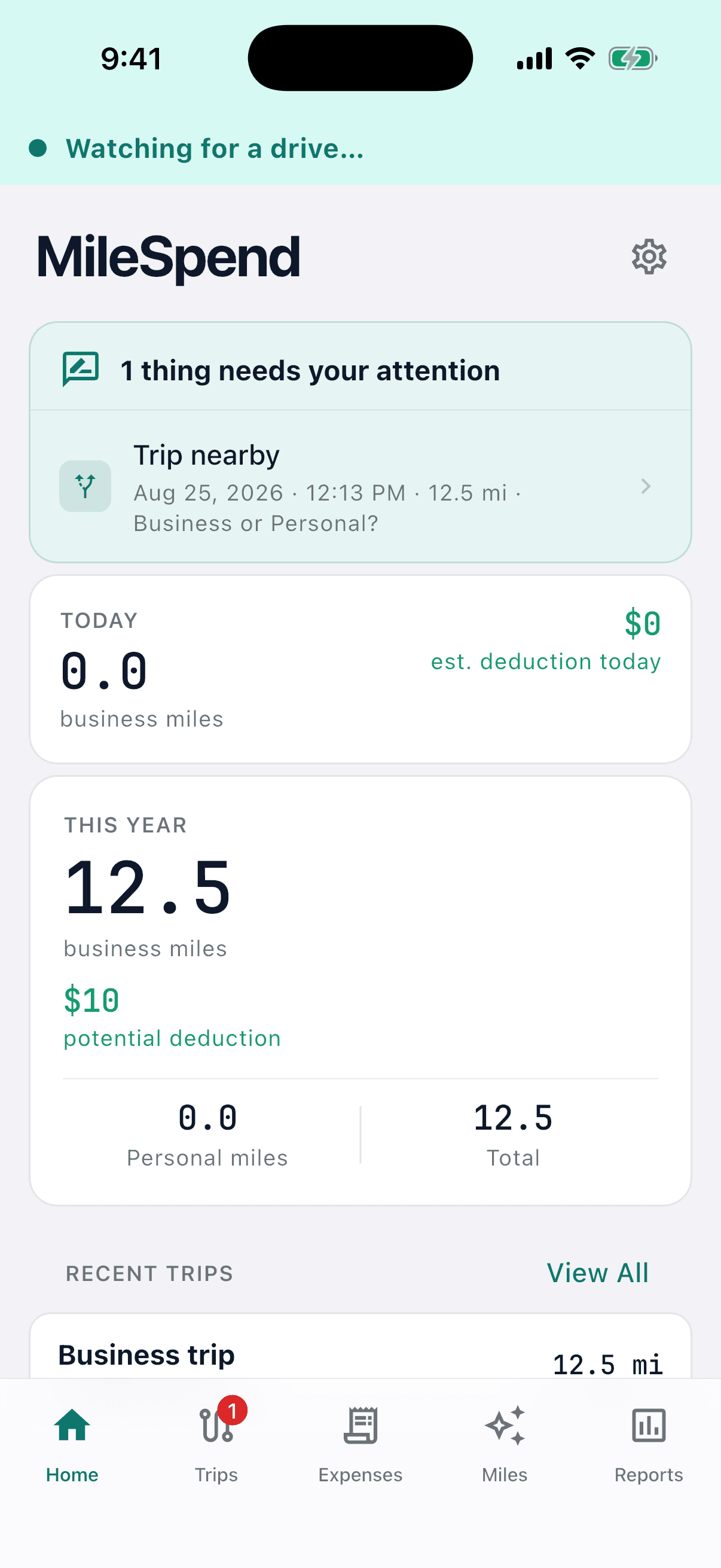
MileSpend keeps the record while the day is happening. You review what needs judgment. The rest stays quiet.
Your trips are recorded automatically in the background, so your mileage log stays up to date without extra work.
Classify Business, Personal, Medical, Charity, or Commute in a tap. Places, work hours, favorite routes, and your corrections help MileSpend make better suggestions over time.
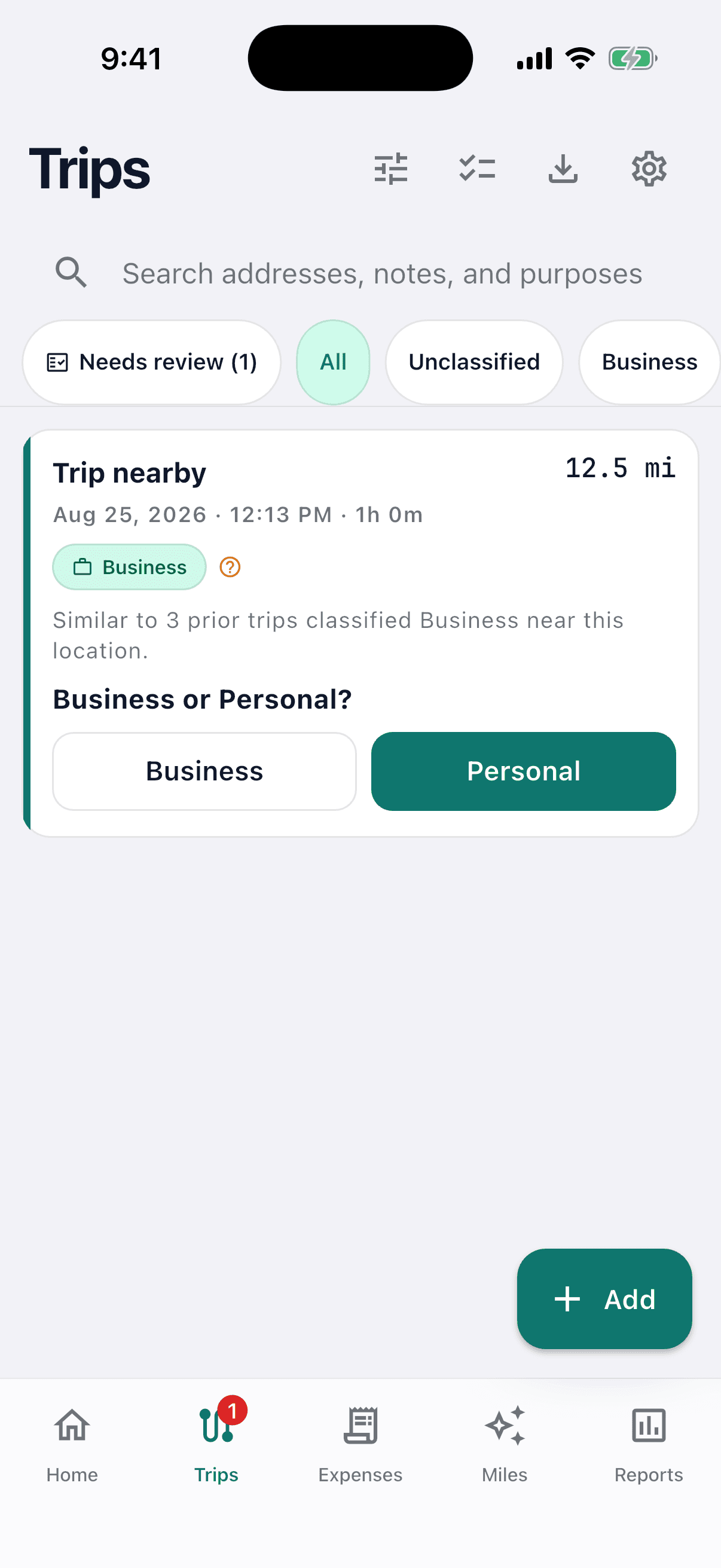
When you visit a place that may be related to business, MileSpend can remind you to scan the receipt before you forget. Capture fuel, parking, tolls, maintenance, and other vehicle expenses right from your phone.
Your receipt stays on your device and never leaves it.
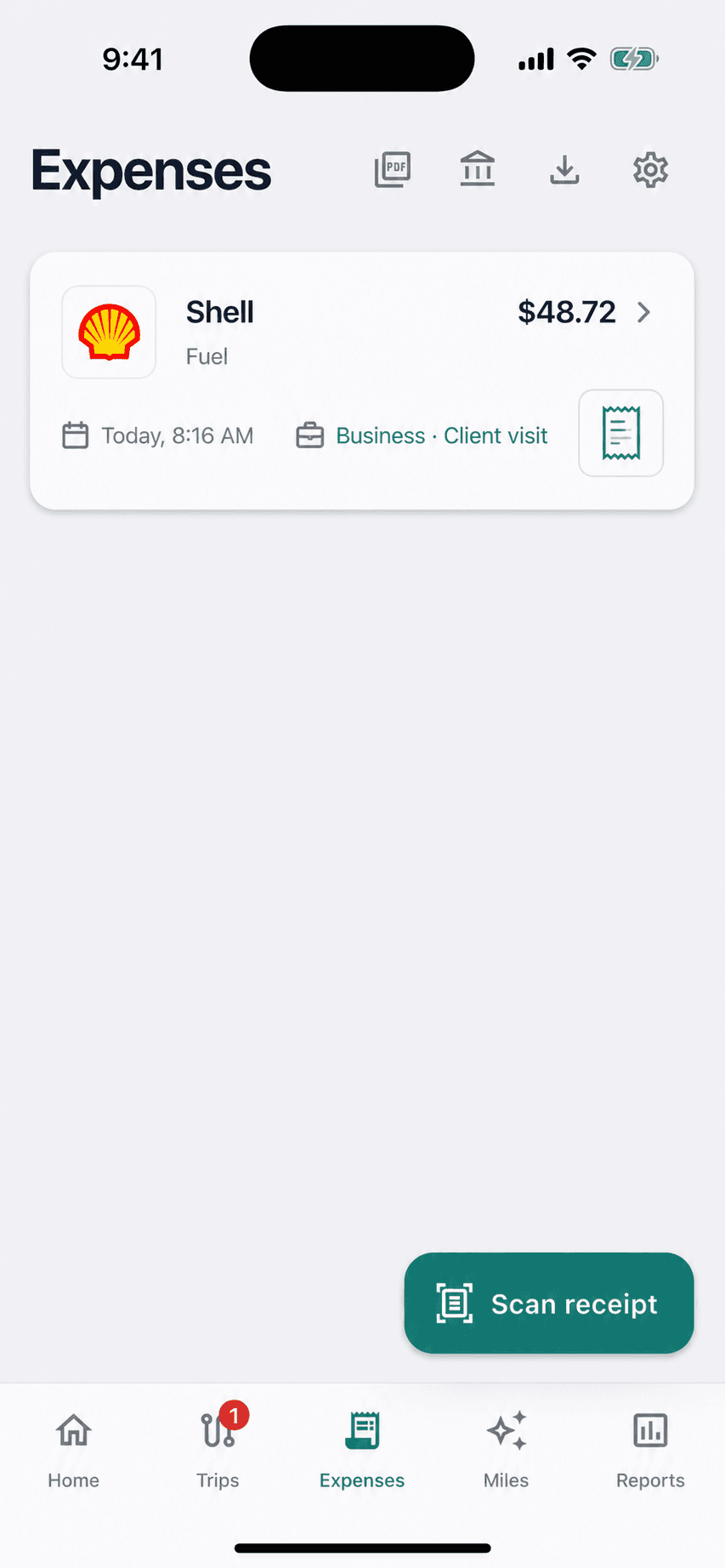
Filter by date, purpose, vehicle, client, project, or tag. Export polished PDF reports, analysis-ready CSV, or styled XLSX—generated on your phone and shared only when you choose.
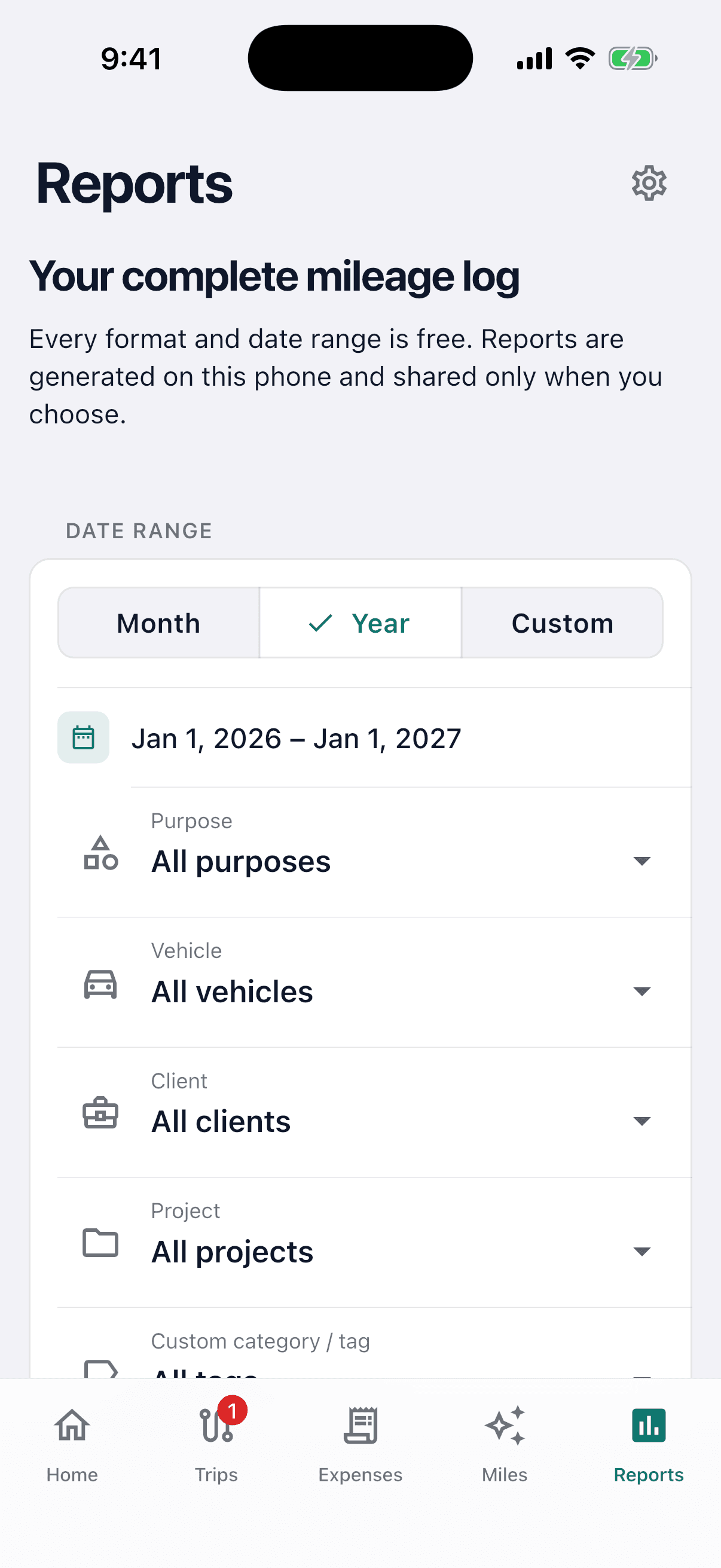
Keep mileage, rates, and records organized for every vehicle you use.
Import from MileIQ, Everlance, Driversnote, Hurdlr, or a generic CSV—with preview and undo.
Find duplicates, GPS gaps, missing-trip candidates, and records that still need review.
Export readable CSV and JSON, reports, receipts, integrity hashes, and a lossless local restore.
Ask about mileage, expenses, or records that need attention. It will not invent trips or amounts.
Home, work, clients, geofences, and favorite routes make classification faster.
Core trips, places, vehicles, classifications, receipts, and reports stay in MileSpend’s local database. No cloud account is required for the core experience. Optional beta diagnostics are pseudonymous and focused on reliability—not your route history.
Read the plain-language privacy policyYes. MileSpend is free. Automatic trip tracking, unlimited trips and vehicles, trip classification, receipt scanning, imports, reports, and data export are included at no cost.
No. You can use the core MileSpend app without creating an account.
No. MileSpend is designed to work automatically in the background. Just drive normally. You should not have to constantly open the app, start a trip, stop a trip, or manage your mileage log.
Yes. MileSpend is designed to quietly keep track of your driving in the background so your mileage log stays up to date without becoming another task on your to-do list.
MileSpend remembers where your vehicle stopped so it can keep your driving history organized even after you leave the car with your phone.
MileSpend helps organize and classify your trips based on the places you visit and the information you provide. When it is not confident enough to decide, it can ask you instead of guessing.
No. MileSpend is designed to reduce how much manual review you have to do. It handles what it can automatically and asks for your input only when it is useful.
Yes. MileSpend can recognize familiar places and use your previous choices to make future trip suggestions more useful.
Yes. You always stay in control. You can edit, classify, split, merge, or add trips whenever needed.
Yes. If you ever need to add mileage yourself, you can create a trip manually or import existing records.
Yes. You can keep mileage records for multiple vehicles in MileSpend.
MileSpend helps you keep fuel, parking, tolls, maintenance, and other vehicle expenses organized alongside your mileage.
Yes. When MileSpend recognizes that you visited a place that may be related to business, it can remind you to scan a receipt before you forget.
No. Your scanned receipts stay on your device and never leave it.
Yes. Receipts and expenses can be associated with the trips they belong to, making it easier to keep your records organized.
Yes. Your records are portable. You can export your mileage and expense information for tax preparation, reimbursement, recordkeeping, or use with other tools.
Yes. MileSpend organizes your mileage and related expenses into reports you can use when preparing your taxes or sharing information with your tax professional.
No. MileSpend is useful for anyone who needs to track business, reimbursable, or deductible driving, including business owners, contractors, gig workers, real estate professionals, salespeople, employees, and anyone who drives for work.
No. MileSpend is built around the idea that your driving history is your information, not something that should be sold to advertisers.
No. MileSpend is designed to stay out of your way. Notifications are meant for moments when your attention is actually useful, such as confirming a trip or remembering a receipt.
No. That defeats the point. MileSpend is designed to work quietly in the background without requiring you to babysit it.
Spreadsheets, handwritten mileage logs, end-of-year estimates, forgotten receipts, and the habit of trying to reconstruct months of driving from memory.
A mile log you do not need to manage. MileSpend keeps track of your drives, remembers where you park, helps organize your trips and receipts, and turns it all into useful records without making mileage tracking another job.

Put MileSpend through a real workweek and help shape mileage tracking that respects your time—and your data.